Clear control, thoughtfully presented
The KF900S brings everyday temperature and fan information together in a clean white wall panel. Its front display shows a room-temperature reading, a separate setpoint, fan-level bars, a timer area and a row of touch-control icons. The restrained design sits comfortably in modern residential and commercial interiors.
Read the essentials at a glance
The large central digits make the temperature easy to spot. A separate SET field helps distinguish the selected target from the displayed reading, while the fan bars and timer symbols keep operating information in view.
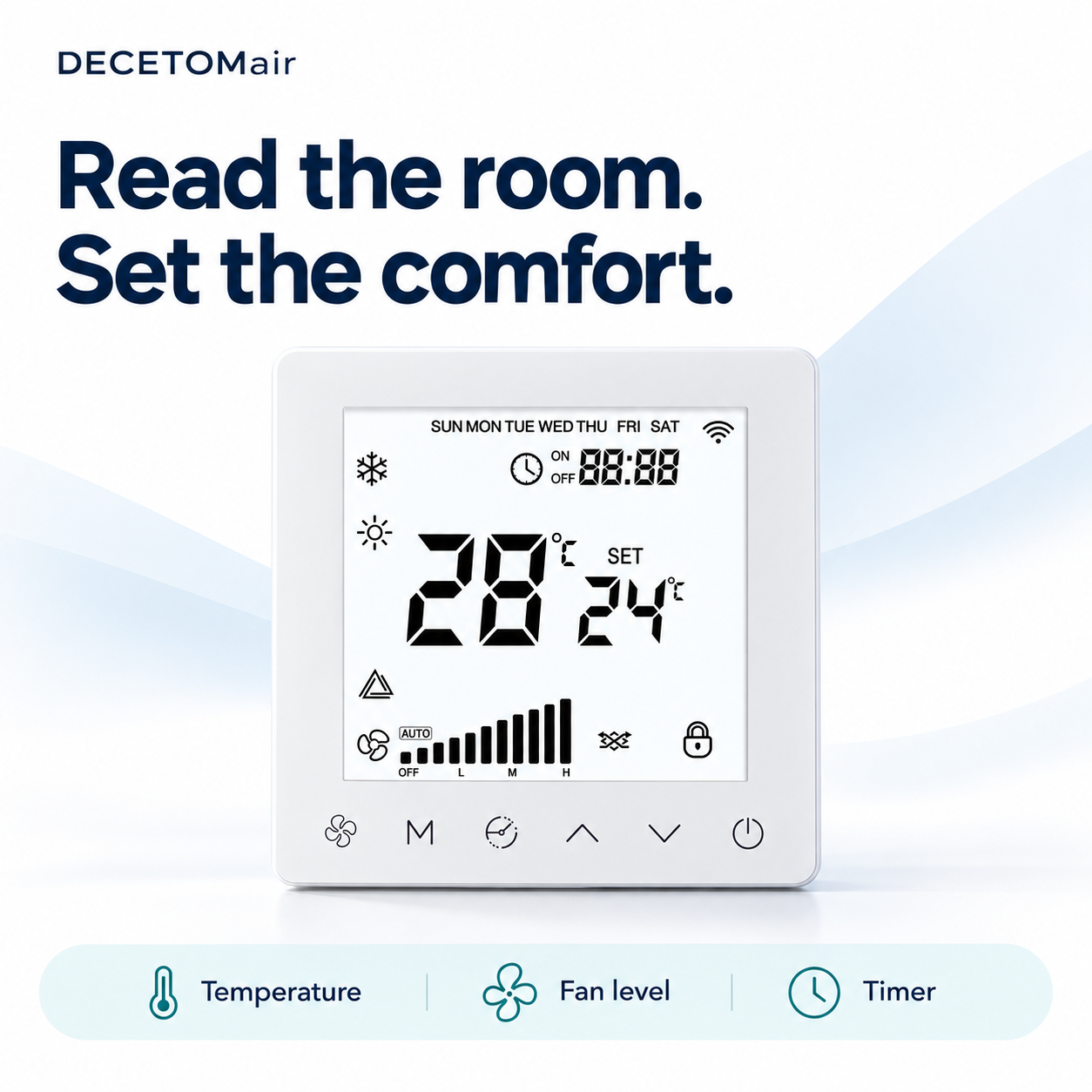 Illustrative product rendering based on the supplied reference image. Displayed values are examples.
A simple fit for your interior
The white square front panel and compact visual layout create a calm, unobtrusive look. The wall setting below illustrates how the controller may appear in a finished room; confirm the installation and electrical requirements for your selected version.
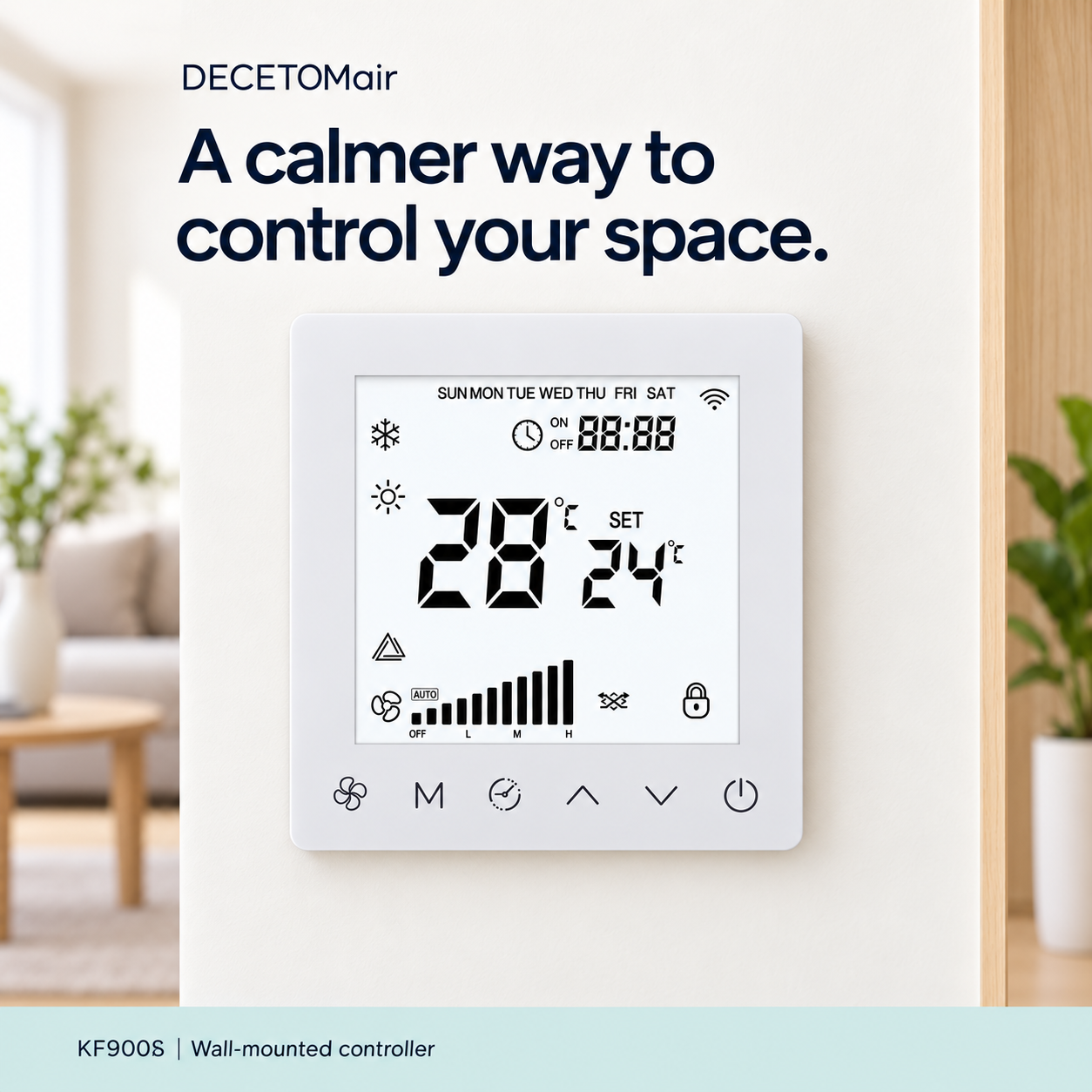 Illustrative room rendering. Installation details depend on the project.
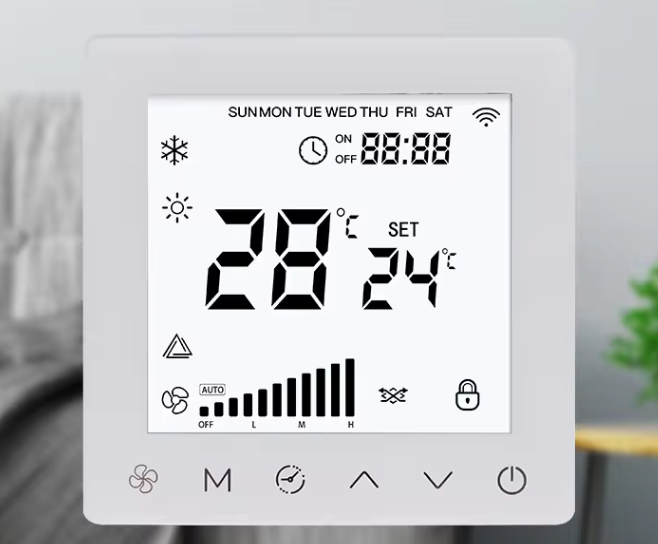 Original supplied KF900S front-view photo.
ACTUAL PRODUCT PHOTO
See the actual KF900S front panel
This original photo is included so you can review the real front-panel design. The styled images above are presentation renderings.
Temperature & setpoint
Two clearly separated values are visible on the display.
Fan level & timer
The interface keeps operating indicators in view.
Front touch symbols
Six icons line the lower edge of the panel.
KF900S at a glance
| Item |
What is shown |
| Model |
KF900S |
| Product type |
Wall-mounted smart ventilation controller |
| Front display |
Temperature reading and setpoint, fan-level bars, timer and status icons visible in the supplied photo |
| Control area |
Six touch-control symbols along the lower edge of the front panel |
| Project matching |
Confirm electrical supply, control interface, required functions and connected ventilation equipment before ordering |
Choose the right configuration
Controller functions and compatibility depend on the selected version and connected equipment. Send DECETOMair your ventilation unit model, electrical and control requirements, destination market and expected quantity so the appropriate KF900S configuration can be checked. The Wi-Fi icon shown on the display should not be taken as confirmation of an included connectivity package without a version-specific specification.
Frequently asked questions
Will KF900S work with my ventilation unit?
Please share the unit model and control interface. Compatibility should be confirmed for the exact controller and equipment combination.
Are the illustrated temperature values specifications?
No. The numbers shown on the sample display are illustrative readings, not operating limits or performance specifications.
Is wireless connectivity included?
The supplied front image shows a Wi-Fi symbol, but the included communication function has not been verified for every variant. Ask us to confirm the selected version.
Discuss your project
Tell us what equipment you plan to control and the functions your project needs. We can help verify the KF900S version before you place an order. Request a compatibility check.